“Are you charging me with a potato?”
Unhinged
macOS application, lives in your menu bar.
See how fast you’re charging. Hear what your Mac thinks about it.
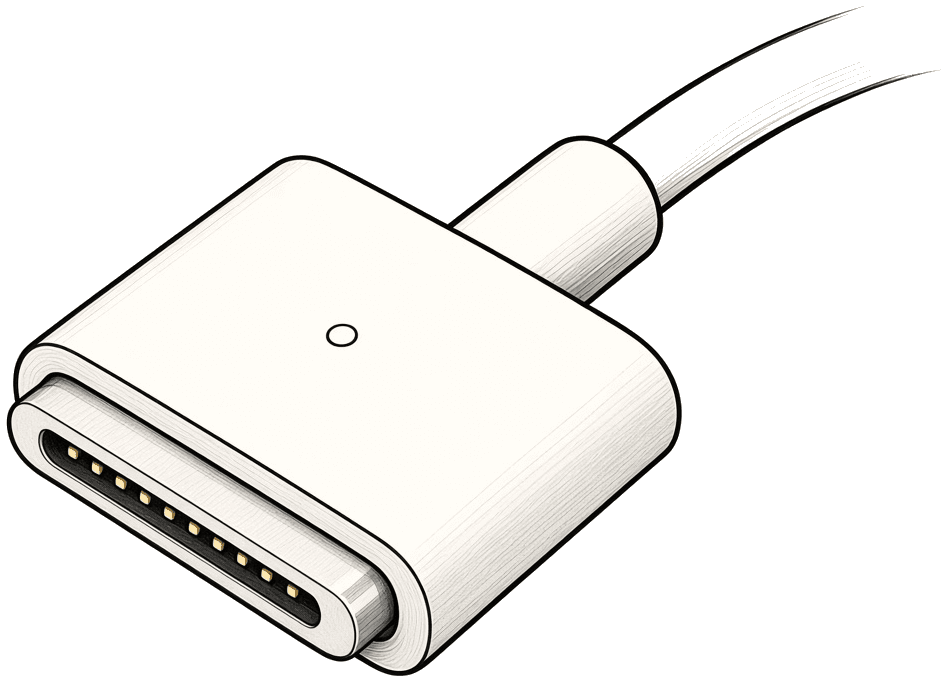

Supports USB-C & MagSafe.
One time. No subscription. No account.
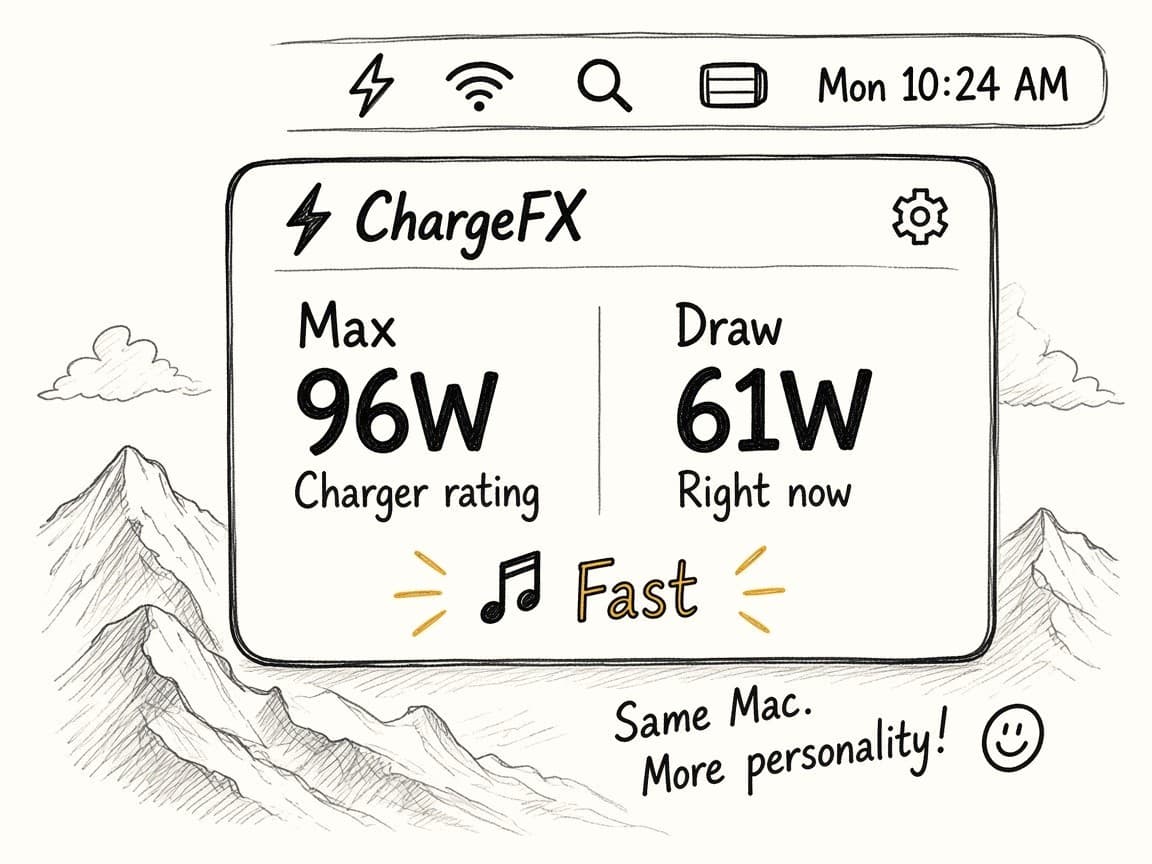
Charge and discharge, in the menu bar. Max is the charger’s rated watts. Draw is live watts in or out.
Jerry B
Pro
Your Mac treats electricity like a drug.
Fast, loud, and personally offended by a slow charger.

“Are you charging me with a potato?”
“I can hear the WiFi.”
Archer
Pro
Your Mac is the employee. Your charger is management.
Flat, corporate, and one status update from quitting.

“Is this a charger or a participation trophy?”
“Who approved this?”
Hope
Pro · opt-in
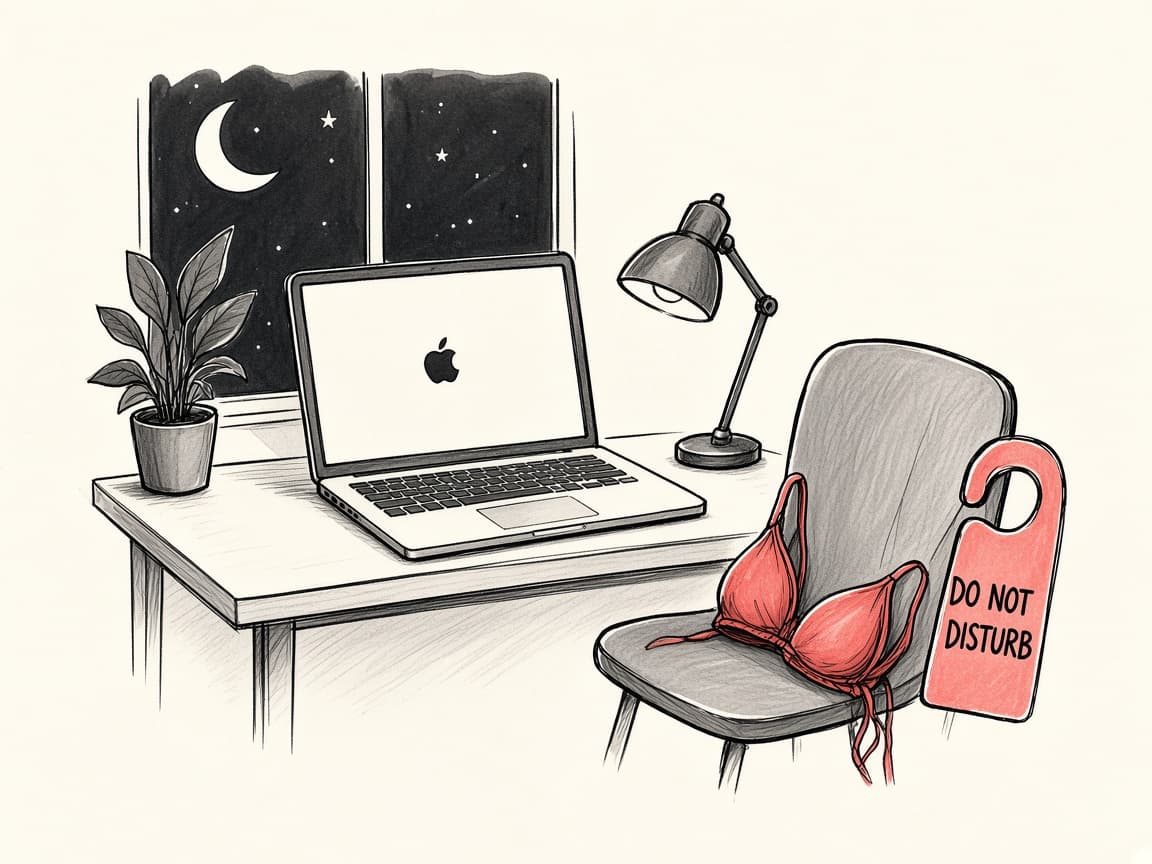
Your Mac after everyone else has gone home.
Low voice. Late hour. Opt in on purpose.
Probably best left off during meetings.
“Are you charging me with a potato?”
Unhinged
“This is gonna take longer than the DMV.”
Unhinged
“I can hear the WiFi.”
Unhinged
“Is this a charger or a participation trophy?”
Overworked Employee
“Wait. Did I just get a raise?”
Overworked Employee
“Who approved this?”
Overworked Employee
Because charging your Mac shouldn’t require a subscription. The useful stuff. Free.
Notarized macOS zip, mirrored on this site. Unzip and move ChargeFX.app to Applications.
Download freeGive it the weird stuff.
After you pay you land on the Pro unlock page with your key.
Go Pro — $3.99One time. No subscription. No account.
Quick questions?→
Yes. ChargeFX is a macOS menu-bar monitor for Mac and MacBook. Max is the charger’s rated watts. Draw is the live watts — coming in while you charge over MagSafe or USB-C, or going out while the battery discharges. It is a glanceable tool, not a diagnostic power meter.
Max is what the charger is rated to deliver. Draw is the live watts: what the Mac is taking while it charges, or what the battery is discharging when you are unplugged. Draw changes as the battery fills, so a 96W charger might only be drawing 22W near the end of a charge. ChargeFX shows you both. The sounds follow Max, so the personality doesn’t change every few seconds.
Both. Plug in either one and ChargeFX does its thing.
Yep. ChargeFX supports macOS 12 Monterey and newer.
Your Mac’s actual draw changes constantly. That’s useful information, but it’s not a very good basis for a sound effect. So ChargeFX uses the charger’s rated speed for its personality and keeps live draw visible as a number.
Free forever: charger rating (Max watts), live charge and discharge watts (Draw), and sound effects for every charge speed. Pro is $3.99 once — three voice packs (Unhinged, Overworked Employee, and After Dark, which is opt-in), custom sounds for every event, reactions when you unplug, hit low battery, and finish charging, and Quiet Hours (tones during work, personality after). No subscription. No account.
Nope. $3.99 once. No account. No recurring charge.
After Dark is an optional Pro voice pack, voiced by Hope. It’s off until you opt in, and it’s probably best left off during meetings. Quiet Hours keeps tones on during work and saves the personality — including After Dark — for after.
With Pro, yes. Assign your own audio file to any event: each charge speed, unplugging, low battery, and fully charged. Files stay on your Mac. You can use audio you own or have permission to use. ChargeFX only ships original or properly cleared audio.
Plugging in (five speed tiers), unplugging, low battery, and fully charged. Each can be turned on or off.
Absolutely. The numbers still work if your Mac needs to keep its mouth shut. Max and Draw remain visible even when sounds are muted.